Add our website to your home screen and it works like an app: one tap to the hire list, a quote request or a call to the office. It's free, there's no app store, and it's always up to date.
iPhone or iPad
Open this page in Safari.
Tap the Share button (the square with an arrow pointing up).
Scroll down and tap Add to Home Screen.
Tap Add. The Bowman icon appears on your home screen.
Android
Open this page in Chrome.
Tap Install the app above, or tap the ⋮ menu.
Choose Install app or Add to Home screen.
Tap Install. The Bowman icon appears with your other apps.
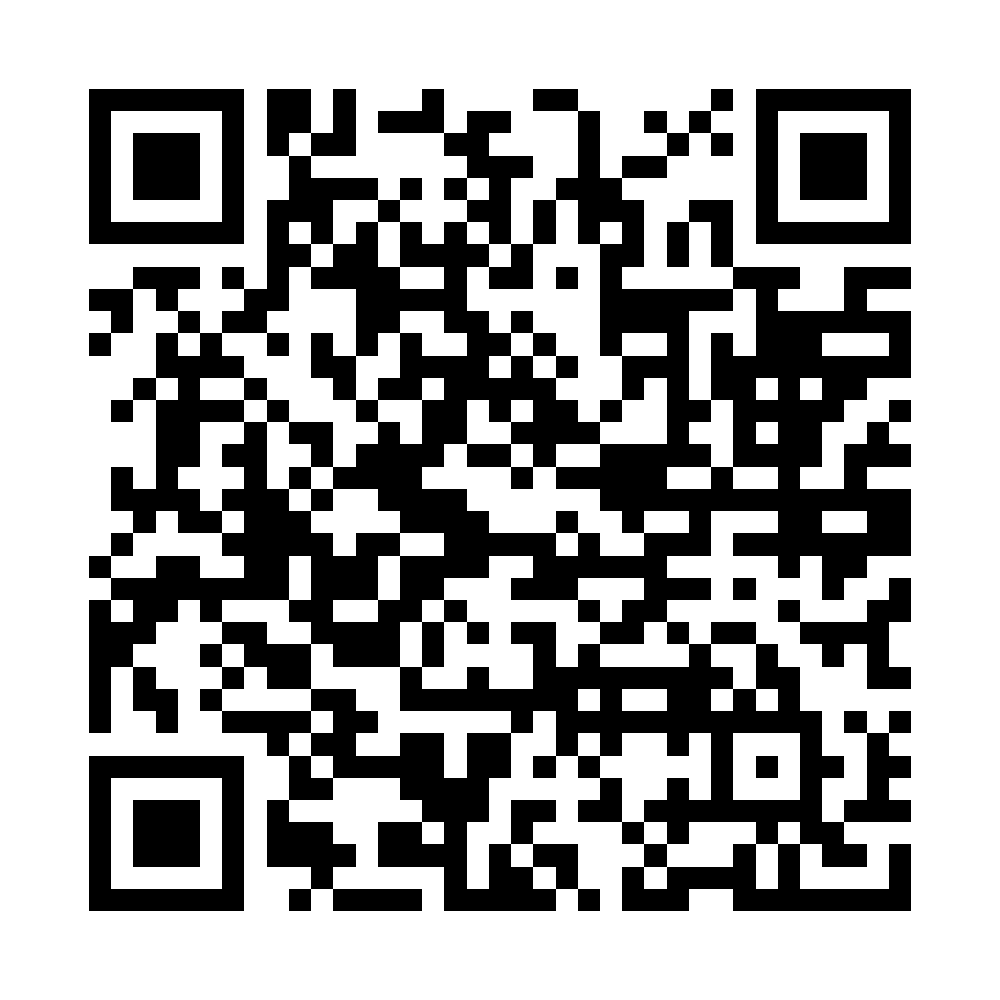
Scan to open
Point your phone camera at the code to open the website, then add it to your home screen.